
The checks to run before every campaign and the thresholds Brew's email audit uses: 102 KB clipping, dead links, alt text, client support and copy length.

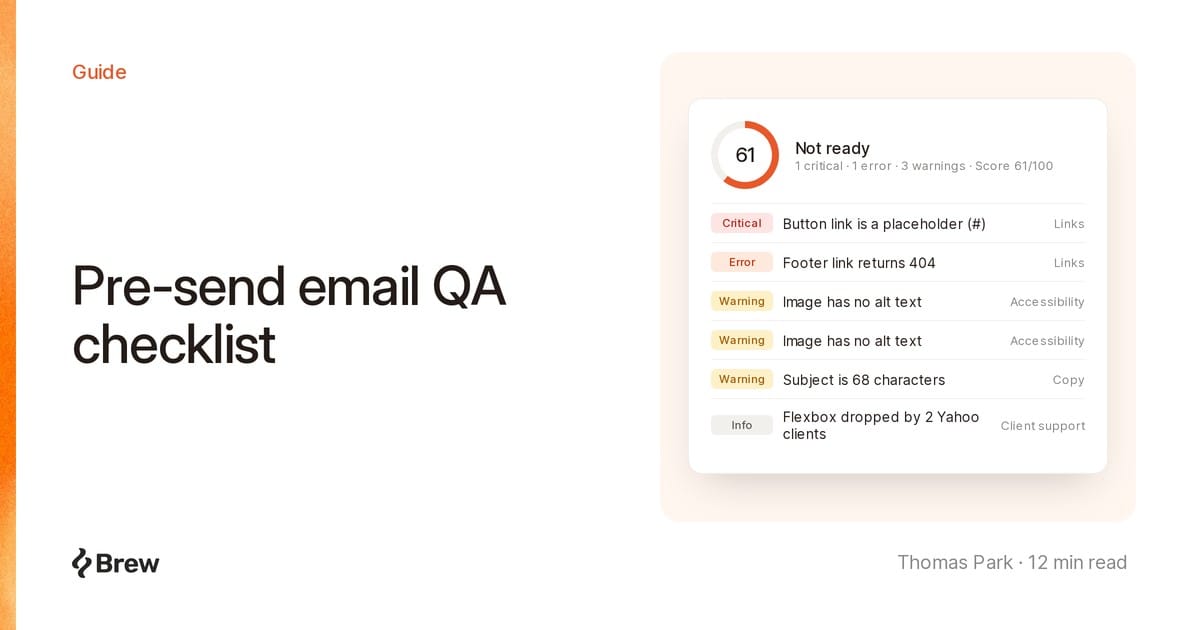
A pre-send QA checklist is the short list of checks you run on every email before it goes out. Broken campaigns usually ship with a button still pointing at #, a hero image swapped for a 4 MB PNG at 6pm, or a two-column layout classic Outlook ignores. Each takes a minute to catch before the send and can't be fixed after.
We rebuilt Brew's email audit this month around these checks, each with an exact threshold. Run them by hand, with or without Brew.
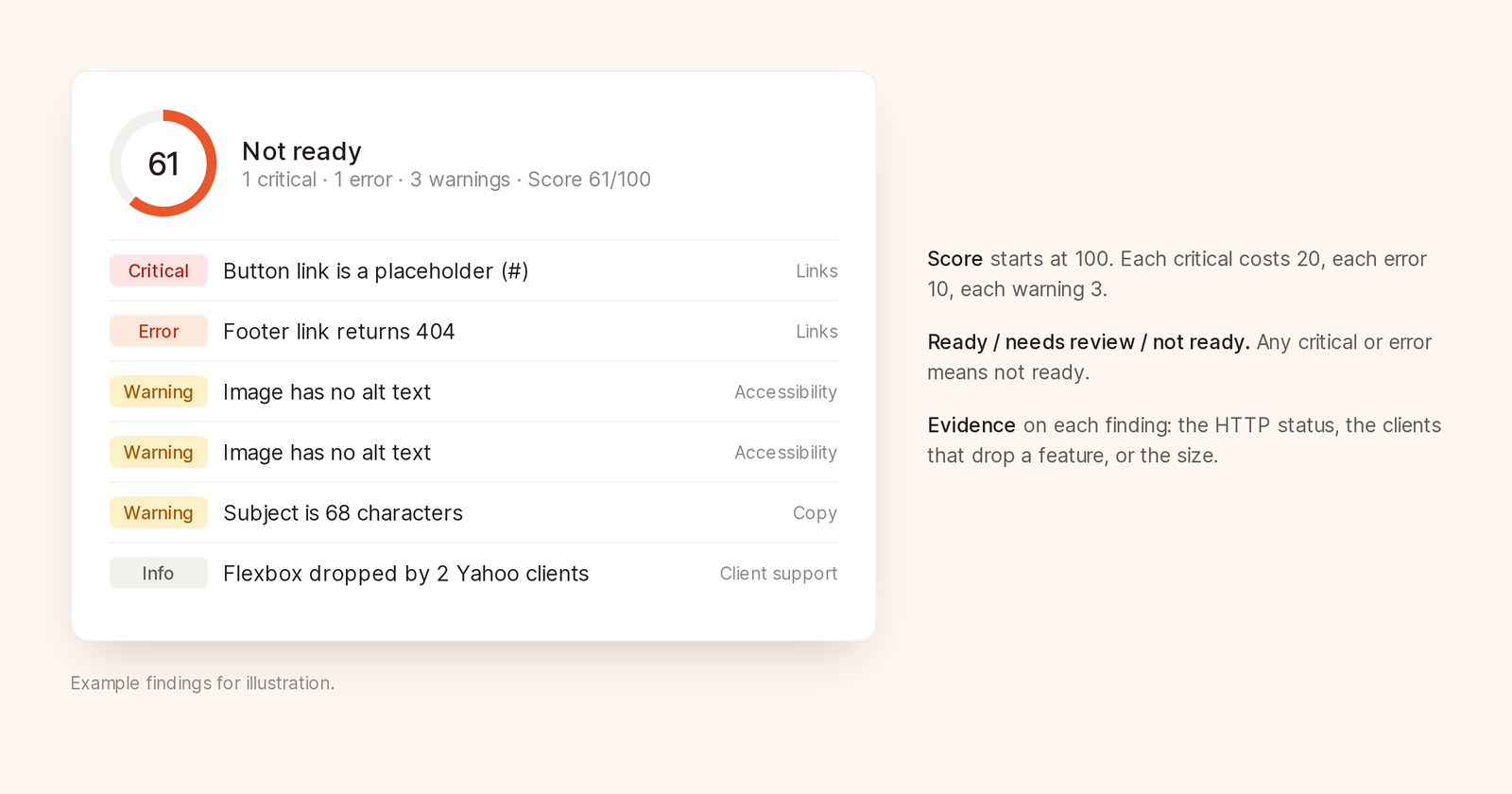
Findings grouped by severity, with one readiness verdict.
A broken link wastes the send. Check that:
#, example.com or an unfilled {{url}}httpsbrew.new/pricing pointing elsewhere looks like phishingClick every link in a delivered test, not the editor. Your ESP rewrites links for click tracking at send time, so redirect chains and broken tracking parameters only show up there.
Never let an automated checker request unsubscribe or preference links. Some providers treat any request to that URL as an unsubscribe. And a bot wall served to a checker doesn't prove a link dead. Click it yourself.
Gmail clips messages with more than about 102 KB of HTML behind a "View entire message" link. That hides the footer, unsubscribe link and postal address, so a clipped marketing email quietly becomes a compliance problem.
Our thresholds:
We warn at 80 KB because click tracking swaps short links for longer redirect URLs, and some ESPs add markup. 98 KB in your editor can arrive as 105 KB.
Usual bloat: inline styles repeated on every element, leftover builder comments, hidden duplicate mobile and desktop sections, and embedded base64 images.
Every image should:
alt text, or alt="" if purely decorativewidth and height, so the layout holds while images load or when they're blockedOne big image over a line of text is unreadable with images off, opaque to screen readers and a spam signal for some filters. Put the headline and offer in live text.
Flexbox, grid, position, background images and inline SVG each break in at least one major client. Can I email tracks support per feature and client, and it's the best single reference.
Watch Outlook hardest. Gmail and Apple Mail usually degrade quietly. Classic Outlook on Windows renders with Word's layout engine, ignores many CSS widths, drops background images and strips padding from buttons built as styled links.
We flag a feature for a client family, such as Gmail or Outlook, only when at least two of its clients drop it. It's a warning only when Outlook breaks it with no fallback. Everything else is info. Otherwise every email gets twenty client warnings and people ignore them all.
The cheap checks:
lang on <html>, so screen readers pronounce things correctly<title>h1 to h4WCAG 2.2 is the reference. Most email problems map to its criteria on text alternatives, contrast, page language and headings.
Keep subjects under about 60 characters and 9 words, or phones cut them off. Skip ALL CAPS, "RE:" or "FWD:" on mail that isn't a reply, and runs of exclamation marks.
Keep preview text under about 90 characters, without repeating the subject. Leave it empty and many clients show "View in browser" instead.
A merge tag without a fallback sends "Hi ," to everyone missing a first name. Readers remember.
Every figure should have a source you can point to, especially in AI first drafts, which produce confident numbers easily. How to write marketing emails and the subject line guide go deeper on wording.
Commercial email needs a working unsubscribe link and a valid postal address under CAN-SPAM. Senders above Gmail's and Yahoo's bulk thresholds also need one-click unsubscribe headers, covered in What still applies when an agent sends your email.
Transactional mail skips some marketing rules, not this checklist. A receipt with a dead link still becomes a support ticket.
Remove what email clients strip or block:
<script>, <form> and <iframe> elementsdata: URIsbackground-color fallback, so text stays readable if the image failsStart with a doctype. Without one, some clients render in quirks mode and spacing shifts.
Brew's email audit runs this list from:
POST /v1/emails/audit or the audit_email toolSee the audit docs and the API reference for every field.
Free instant checks run automatically on every rule that only needs the HTML: placeholders, size, missing alt text and image dimensions, heading order, lang and <title>, subject and preview length, merge tags without fallbacks and blocked markup.
Run audit adds the checks that need the network or judgment:
Each AI judgment is tuned so a raised finding is right at least 95% of the time on emails we own. An AI reviewer that cries wolf is worse than none.
A full audit costs 5 credits. If a required check is unavailable, you get a free partial audit with no score, since a score that skipped checks would mislead.
Every audit returns a 0 to 100 score and a state: ready, needs review or not ready. Each finding has a severity, Critical, Error, Warning or Info, plus evidence such as a dead link's HTTP status.
The score starts at 100. Each critical costs 20 points, each error 10, each warning 3, and info nothing. Only the first three hits per rule count.
Example: a button linked to #, a footer link returning 404, two images without alt text, a 68-character subject and flexbox two Yahoo clients ignore.
| Finding | Severity | Points |
|---|---|---|
| Button link is a placeholder | Critical | −20 |
| Footer link returns 404 | Error | −10 |
| Image without alt text (×2) | Warning | −6 |
| Subject over 60 characters | Warning | −3 |
| Flexbox dropped by 2 Yahoo clients | Info | 0 |
| Score | 61 |
Any critical or error means "not ready"; warnings alone, "needs review". Fix the two links and this one scores 91, needs review. Honest: it would send fine, and the rest is worth a minute.
Fix in chat hands warnings and worse to the Brew agent, then reruns the free instant checks on the repair.
It doesn't block sends. With critical findings, the send dialog asks for Send anyway and logs the override. API, MCP and automation sends report the findings and go ahead. That's the right default. Some emails the audit dislikes should still go out, and a QA tool that holds sends hostage gets switched off.
It doesn't rewrite your HTML. Fixes are a separate step you start.
It doesn't test inbox placement, render screenshots or check dark mode. For dark mode, open a test on your phone with dark mode on. It catches the logo that vanishes on black.
In the send dialog, 15 minutes. After that, or if the email changes, the panel asks you to rerun it. Through MCP, you can reread a saved report for 7 days at no charge.
No. The audit checks the email itself. Placement also depends on domain reputation, authentication and complaint rate, covered in the deliverability guide.
Yes, through the API or MCP. Send emailHtml or emailJsx instead of a Brew email ID and get the same report before it goes into your ESP. If you remix a gallery template and export it to your ESP, audit it in Brew before you export.
Members can. Viewers can see emails but can't run audits.