
One best send time averages your list into an hour nobody keeps. How per-contact timing works in Brew, what it uses, and how to check that it helped.

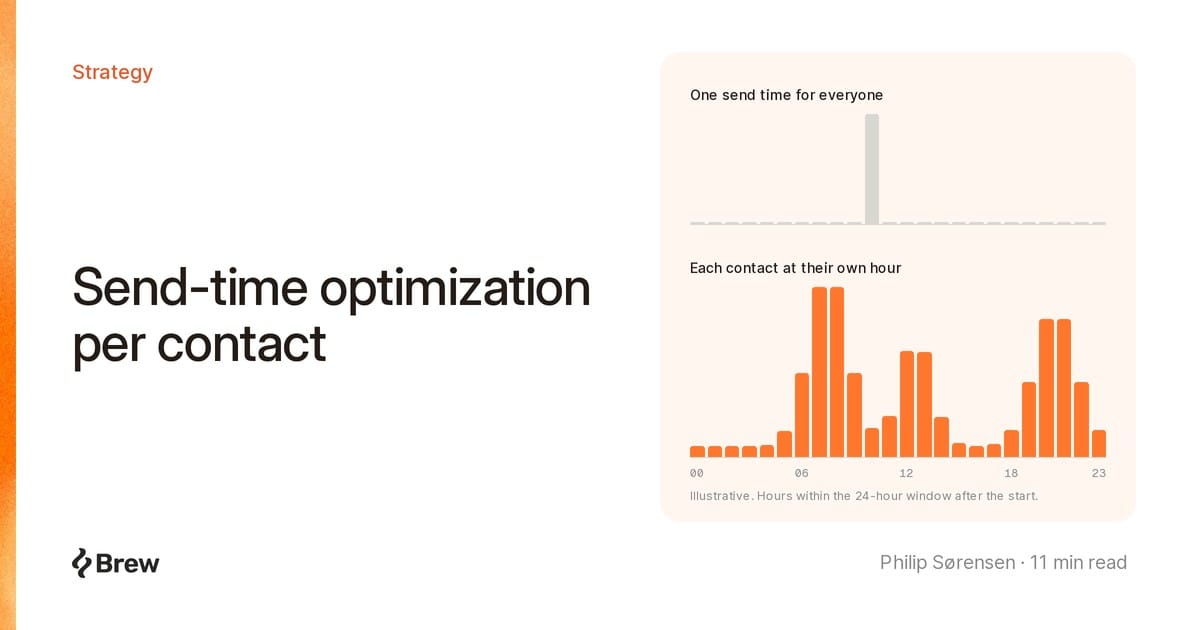
Per-contact send-time optimization schedules each recipient's copy of an email for the hour that person has opened or clicked before, instead of one hour for the whole list.
"What is the best time to send a newsletter?" is a question about averages. Benchmark reports answer with one weekday mid-morning hour, averaged over millions of people who are not on your list. Your readers clear their inbox on the train at 7:00, at lunch, or after dinner. A 10:00 send suits the 10:00 readers and gets buried for everyone else.
In Brew this is Intelligent Send. Here is how it picks the hour, where it falls back, and how to test whether it helped.
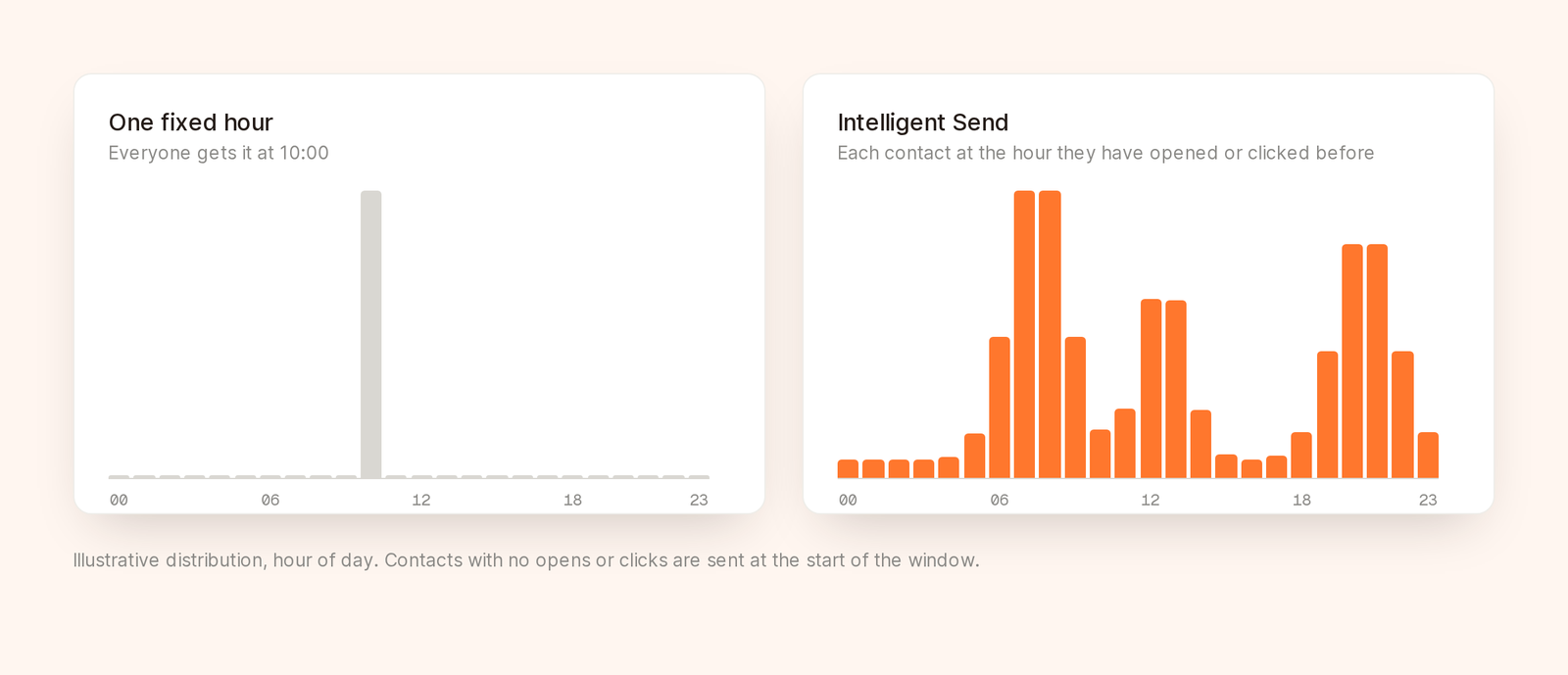
One fixed hour versus a send spread across each contact's past engagement hours.
In the send dialog, When to send offers Send now, Schedule, Intelligent send and Gradual send. Choose Intelligent send and pick a start, now or later. The button changes to Start Intelligent Send or Schedule Intelligent Send. The send options docs cover all four modes.
For each contact, Brew gives an AI evaluation model 24 one-hour slots, the start hour plus the next 23, and that contact's history with your brand, up to their 200 most recent opens and 100 most recent clicks. The model picks the likeliest hour, weighing three things:
If the chosen hour is later than the start, the email goes out about 5 minutes before it, near the top of the inbox when the person looks. If it is the start hour, it goes immediately.
You start an Intelligent Send on a Tuesday at 09:00 UTC. The histories below are made up. The rules are real.
Ana has clicked your last six emails, mostly 13:00 to 14:00 on weekdays, and opened a few at 07:30. Clicks outweigh opens, so 13:00 is the likely pick and her email goes out around 12:55.
Ben opens almost everything between 07:00 and 08:00. That hour has passed, but the window runs until 08:59 Wednesday, so he gets it about 22 hours after the start, just before he usually reads. People miss this. An early start does not mean early readers get it today.
Chloe joined last week and has never opened anything, so she gets it at 09:00.
Dev has twenty opens, all within seconds of delivery, at all hours. That looks like a mail client fetching content, not a person reading. Brew only counts opens and clicks it judged human, so if none of Dev's pass, he goes out at 09:00 like Chloe.
Apple's Mail Privacy Protection downloads remote content in the background by default, whether or not the person reads the email. A model fed those opens learns when Apple's servers fetch mail and schedules you for an hour when nobody is looking.
No time zone or location. The hours are UTC, and the only input is timestamps of past human opens and clicks.
That is less of a gap than it sounds. A time zone is a guess at when someone is awake. An open timestamp records when they read. Someone whose profile still says New York after moving to Berlin is timed from when they read now.
It also never invents an "audience-wide best hour" for unknown contacts. With no history, Brew sends at your start. I think that is right. The start is a decision you made, and a borrowed average is no better.
No email address or other identifier goes to the model, and the model call is not billed to you.
A contact with history can still go out at the start if:
These are counted separately as "could not be timed". If that number is large, know it before drawing conclusions.
The send's analytics page summarises it in three lines:
The contact timing panel below lists contacts in planned order, searchable by email, each with a reason such as "Timed from their past opens and clicks" or "Right away: no opens or clicks yet".
Check Assignments first. If 85% went out right away, it was mostly a normal send with a small timed tail. Common on a young list, and not a failure.
Use it where a few hours either way do not change the meaning: newsletters, monthly product updates, content digests, nurture emails to an engaged segment.
Skip it when the time is the message: a webinar reminder for 14:00 today, a sale ending at midnight, an announcement tied to a press release. Use Schedule for those.
Timing will not rescue a broken email. Run the pre-send QA checklist before you pick a start.
Other things to know:
Intelligent Send does not hold out a control group or report lift, so run the comparison yourself, and watch for dilution. Only timed contacts can move. Split 20,000 contacts into two halves of 10,000, and say 35% of the Intelligent Send half gets timed. If timing lifts that group's click rate from 3.0% to 3.6%, a good result, the half as a whole moves from 3.0% to about 3.2%. At 10,000 per half, 0.2 points at a 3% click rate is inside normal send-to-send noise. You would conclude it does not work.
So test on contacts who can be timed:
The A/B testing guide covers sample size, and the metrics that matter explains why clicks are the safer signal.
It works anywhere you can send:
POST /v1/sends with smartSend: true, plus scheduledAt for a later start.send_email tool takes smartSend, so you can ask Claude or Cursor to "send it with Intelligent Send".Reading a send back returns a smartSend object with windowEndsAt, assignedViaModel, assignedImmediately and modelFallbacks, the same numbers as the Assignments line.
For the raw signal, GET /v1/contacts/{email}?include=openProfile returns a contact's open history as 48 half-hour UTC slots. Once a contact has at least 5 unique opens, it adds a best open time, a best send time and a confidence score from 0 to 1. The key needs the emails scope as well as contacts. That profile can include machine opens, and Intelligent Send does not read it. The planner uses human opens and clicks directly.
No. Contacts with no history, or whose best hour is the start hour, get it at the start. Only contacts whose history points later wait, and only until that hour.
Not at first. With no human opens or clicks on record, everyone goes out at the start. It matters after a few sends' worth of engagement.
No. The start is still the send time for everyone without history, and it sets the 24-hour window. Pick one you would be happy with as a normal send.
No. It uses only when each person has opened and clicked before, which is better evidence than a stored time zone.